
Lists
Shape the list structure that keeps your audiences organized.
CLISTOR 3.1 · FEATURES
Use the category index to jump into contact work, sending, automation, design, capture, reporting, administration, and help.
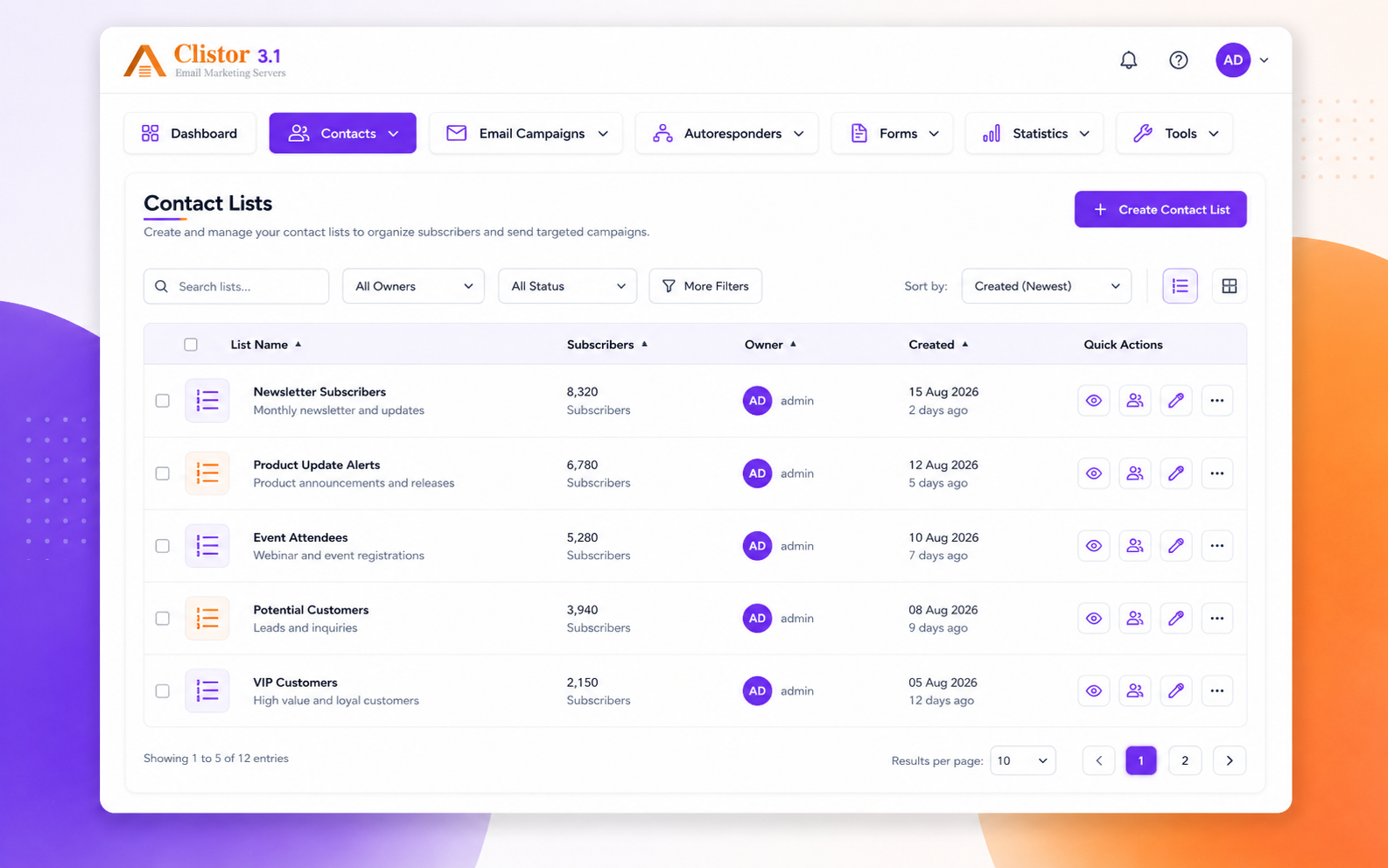
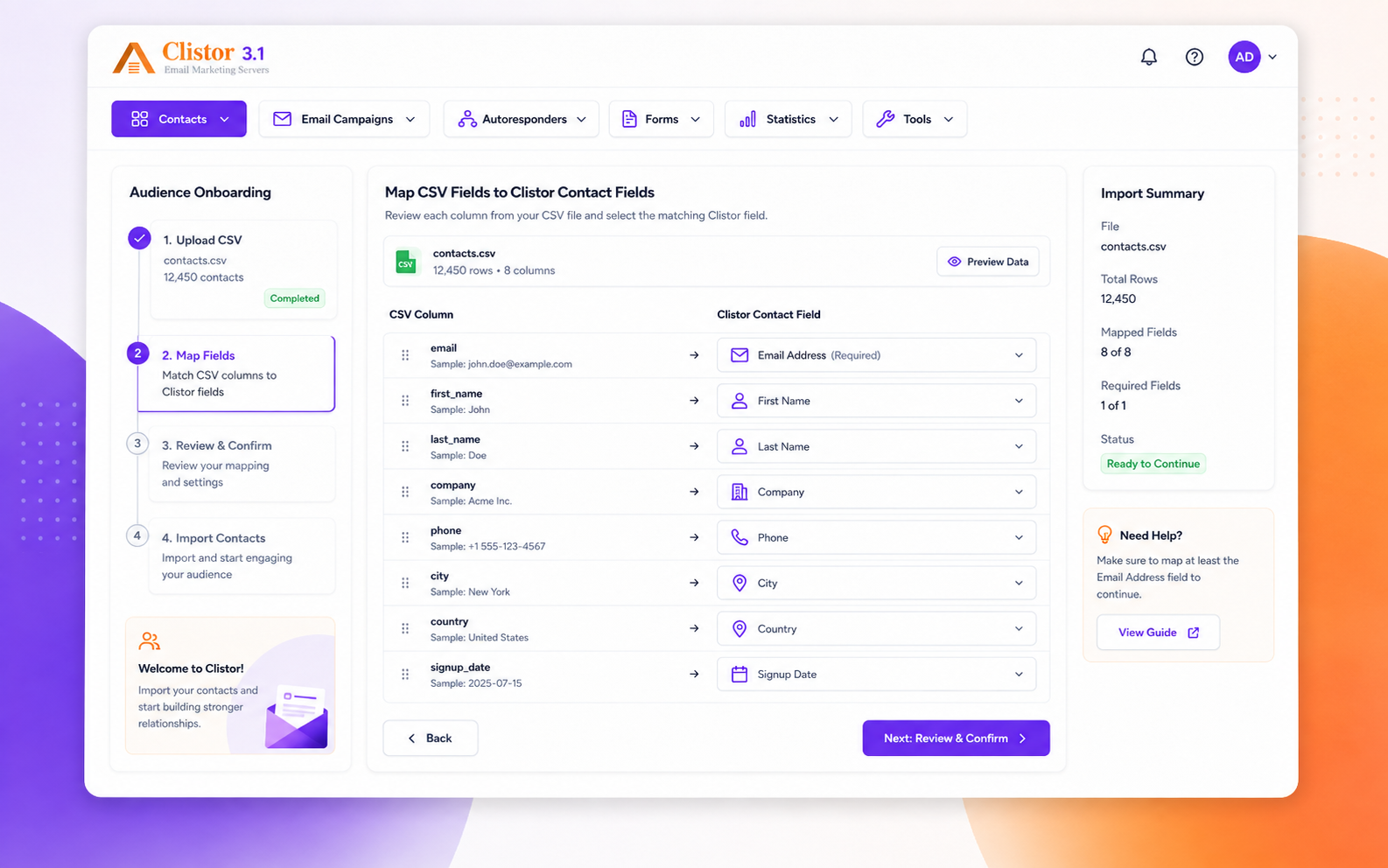
Contact & List Management
Lists, subscribers, segmentation, bounce handling, and custom fields each get their own working surface.
Shape the list structure that keeps your audiences organized.
Work with subscriber records while keeping list membership visible.
Filter audiences by the conditions you actually need.
Handle bounced addresses and suppression in one place.
Extend subscriber records with the data your workflow needs.
Campaign Creation & Sending
Draft, send, and schedule each live as a separate action so the workflow stays easy to follow.
Draft and manage your broadcast campaigns from one place.
Move a campaign into delivery without losing the context around it.
Set the timing for a send and keep the launch plan visible.
Automation
Autoresponders and trigger emails sit next to the sending work instead of being hidden elsewhere.
Run timed follow-up after a signup or list event.
Send event-driven messages when a contact changes state.
Email Design & Content
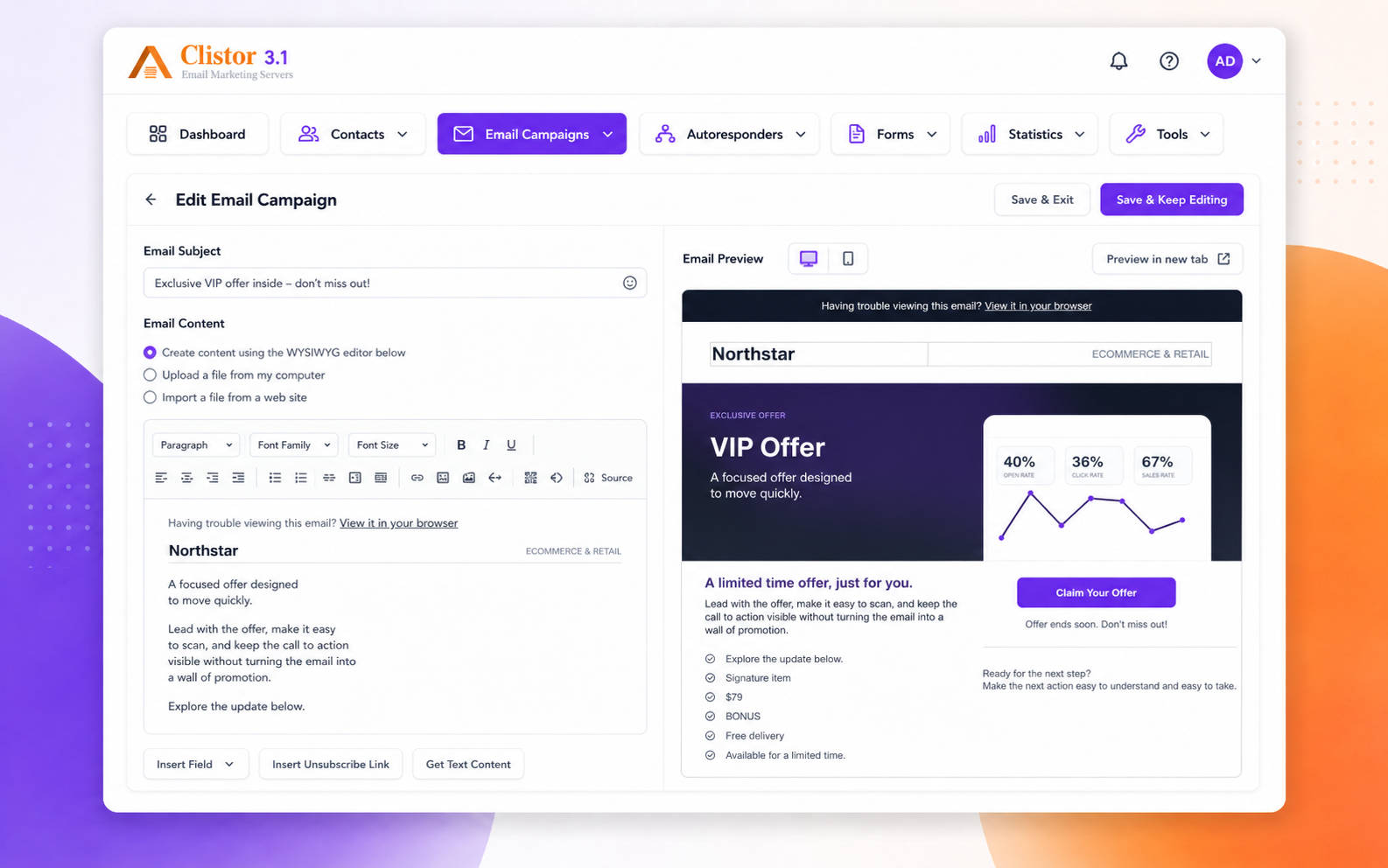
Templates, editing, and image management stay visible and separate so content work does not collapse into one card.
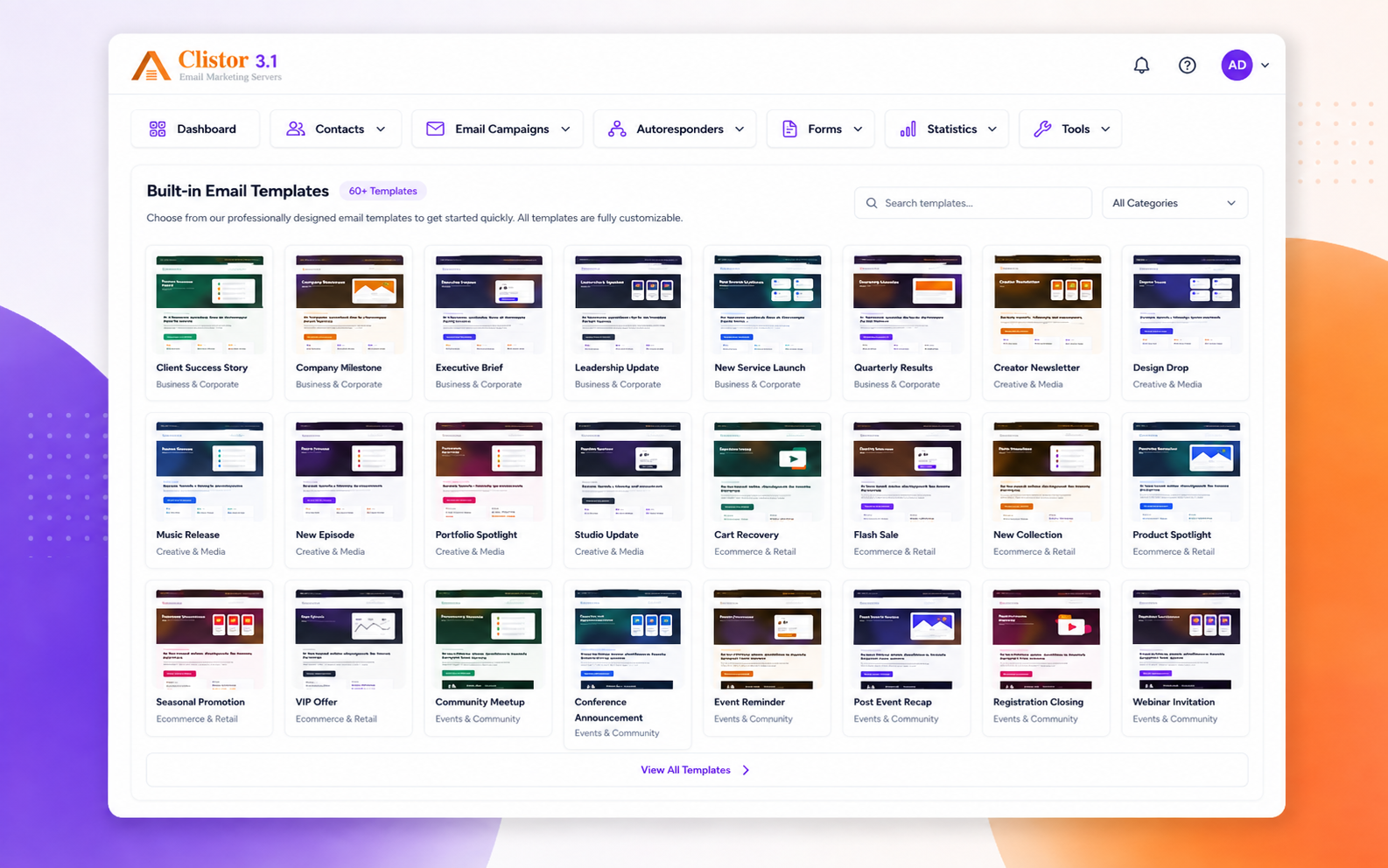
Open the template area when you want to start a message design.
Update, copy, and retire layouts without losing track of the content set.
Start a new email layout from a blank slate when you need one.
Choose from 48 modern templates across 8 professional categories, with local assets and layouts designed for real campaign work.
Keep media close to the template and message workflow.
Forms & Data Capture
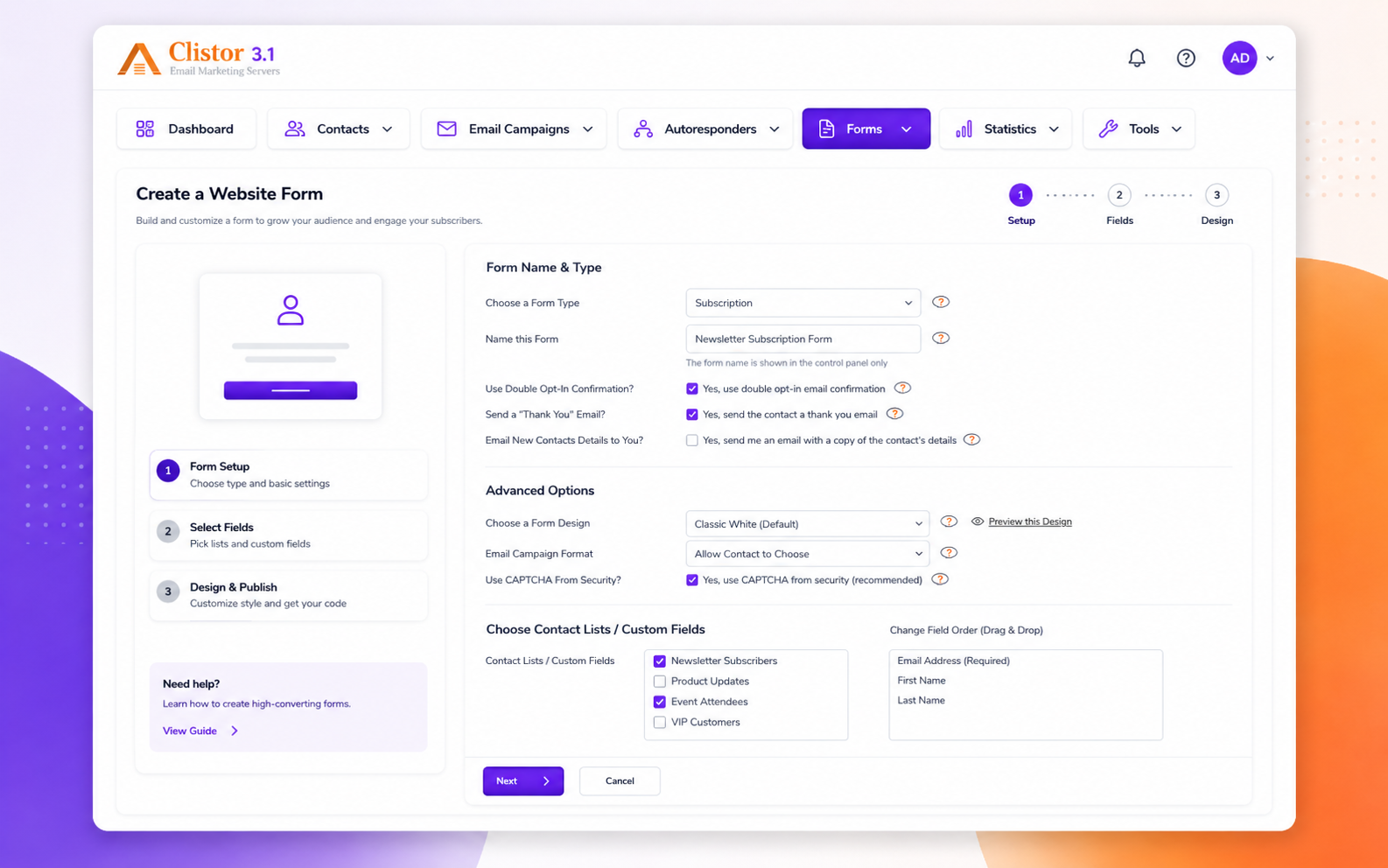
Forms get their own surface, and the creation action is called out separately for faster scanning.
Publish forms that feed back into the contact system.
Start a new form quickly and connect it to the audience flow.
Analytics & Reporting
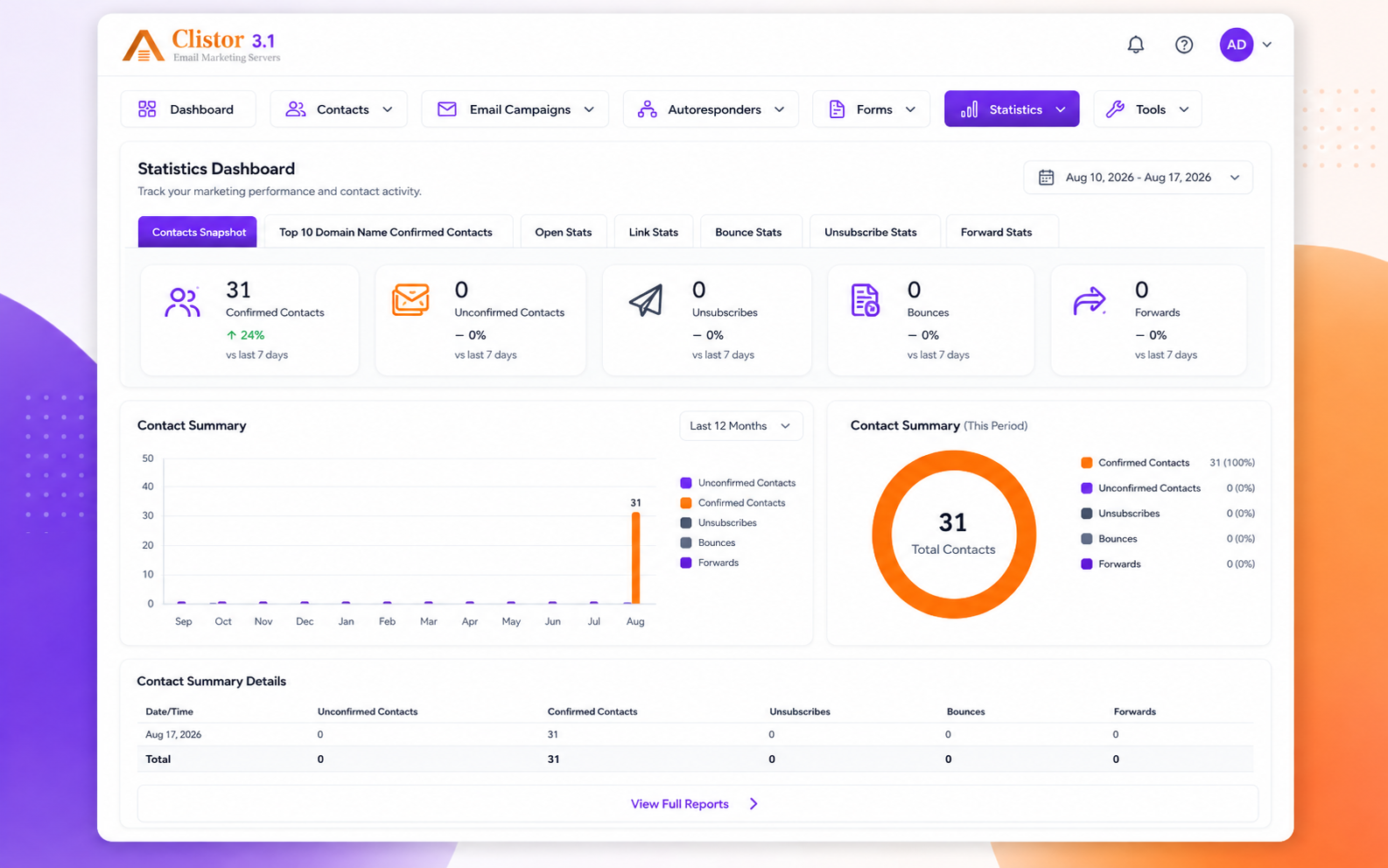
Performance data stays inside a dedicated reporting area instead of being hidden in a broader settings page.
Review send and audience performance with clear chart output.
Scan performance and move from insight to action without extra clutter.
Administration & Product Control
Home, account, users, settings, tools, and license each appear as a separate action, with deeper settings grouped below them.
Return to the main overview whenever you need a starting point.
Manage your personal account and preferences.
Control who can access the product and what they can do.
Open the main configuration area when the product needs tuning.
Reach utilities and support actions without leaving the product.
Check licensing status and product validity.
Settings depth
The nested setup actions stay separate so the administration area does not collapse into a single catch-all block.
Tune the general product defaults.
Set the sending identity and mail behavior.
Adjust how bounced mail is handled.
Review message credit details at a glance.
Align scheduled tasks with your server timing.
Manage security-related defaults in one place.
Review installed extensions or extra modules.
Read the technical summary for the installation.
Help & Product Experience
Support content and sign-out live together so the last part of the user journey stays simple.
Search guidance when you need an answer fast.
End the session cleanly when you are done.
Next step