Contact Lists
Create and manage the lists that organize your audience.
 Documentation
3.1
Documentation
3.1
Product Guide
Clistor 3.1 groups audience management, campaign creation, automation, design, data capture, and reporting into clear working areas.
Use Contact Lists to organize audiences and Contacts to work with the individual records inside them.
Create and manage the lists that organize your audience.
Add and manage contact records, including single-record and multi-record workflows.
Use the Contacts search tools to locate records, including the advanced-search workflow available in Clistor.
Move contact data into or out of Clistor using the available import/export tools.
Define additional fields for the contact data your organization needs to maintain.
Use the available suppression, unsubscribe, and bounce-processing tools as part of list hygiene.
Campaign work lives under Email Campaigns: create, manage, preview, schedule, and review the messages you prepare for your audience.
Configure automated follow-up messages tied to the relevant list/workflow behavior exposed by your Clistor installation.
Clistor includes trigger-email and trigger-statistics surfaces for automated message workflows and their reporting.
Automation is only as reliable as the scheduled-task configuration behind it. If automated work does not run, check the application's scheduled-task/cron configuration and the server's task scheduler.
Clistor 3.1 includes 48 modern built-in email templates across 8 professional categories. Templates are intended as working starting points: choose one, customize the content, preview it, and keep the final message aligned with your own brand.
Use Forms together with Contact Lists and Custom Fields to collect and structure subscriber information.
Create and manage the forms exposed by Clistor for contact/subscriber workflows.
Define the additional fields the form and contact workflow needs to collect.
Use the Statistics area to review the reporting surfaces available for campaign, contact/list, and automated/trigger workflows.
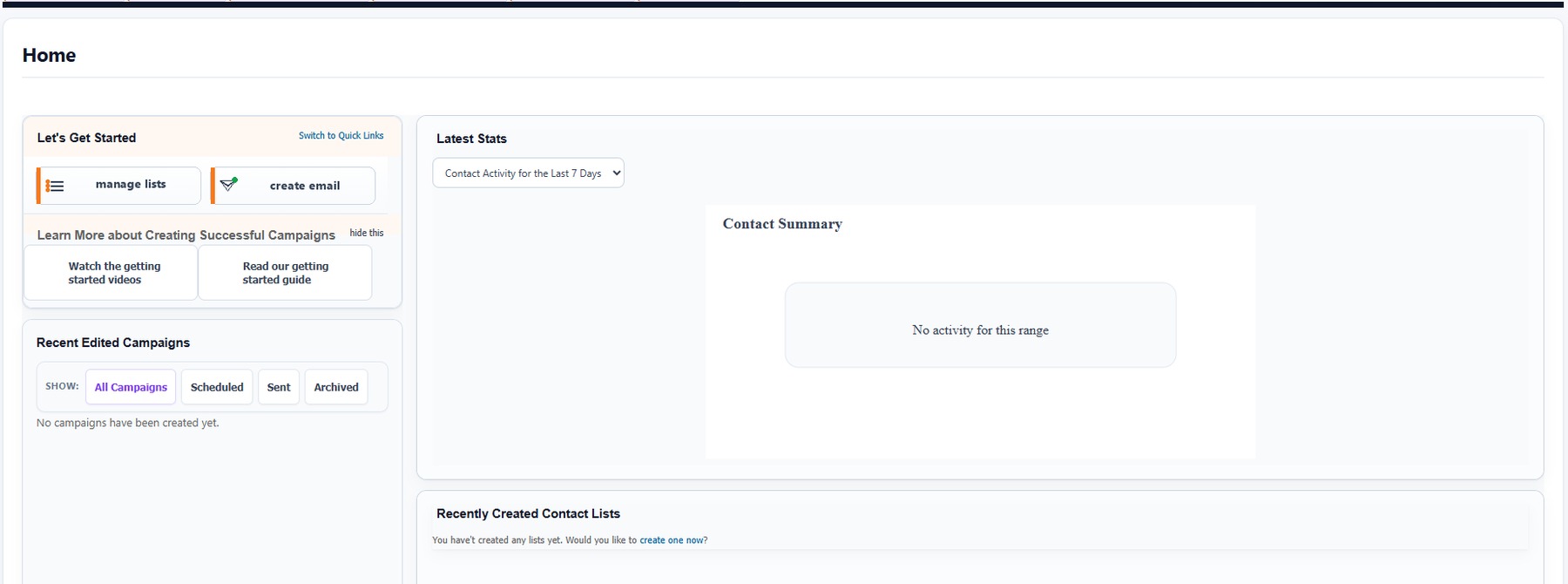
Clistor includes an internal searchable Help Center with task-focused guidance for getting started, lists, contacts, campaigns, autoresponders, forms, custom fields, scheduled sending, statistics, bounce processing, suppression/unsubscribes, user accounts, settings, troubleshooting, support, and email marketing tips.